字幕差し替え台|校正SRTの無料照合版あり / Caption Proof for After Effects · Free Preview
- ダウンロード商品無料照合版 / Free Preview · 日本語・English¥ 0無料ダウンロードcaption-proof-preview-ja-en-1.0.2.zip(95.1 KB)caption-proof-preview-ja-en-1.0.2.zip
- ダウンロード商品製品版 / Full Edition · 日本語・English¥ 1,980
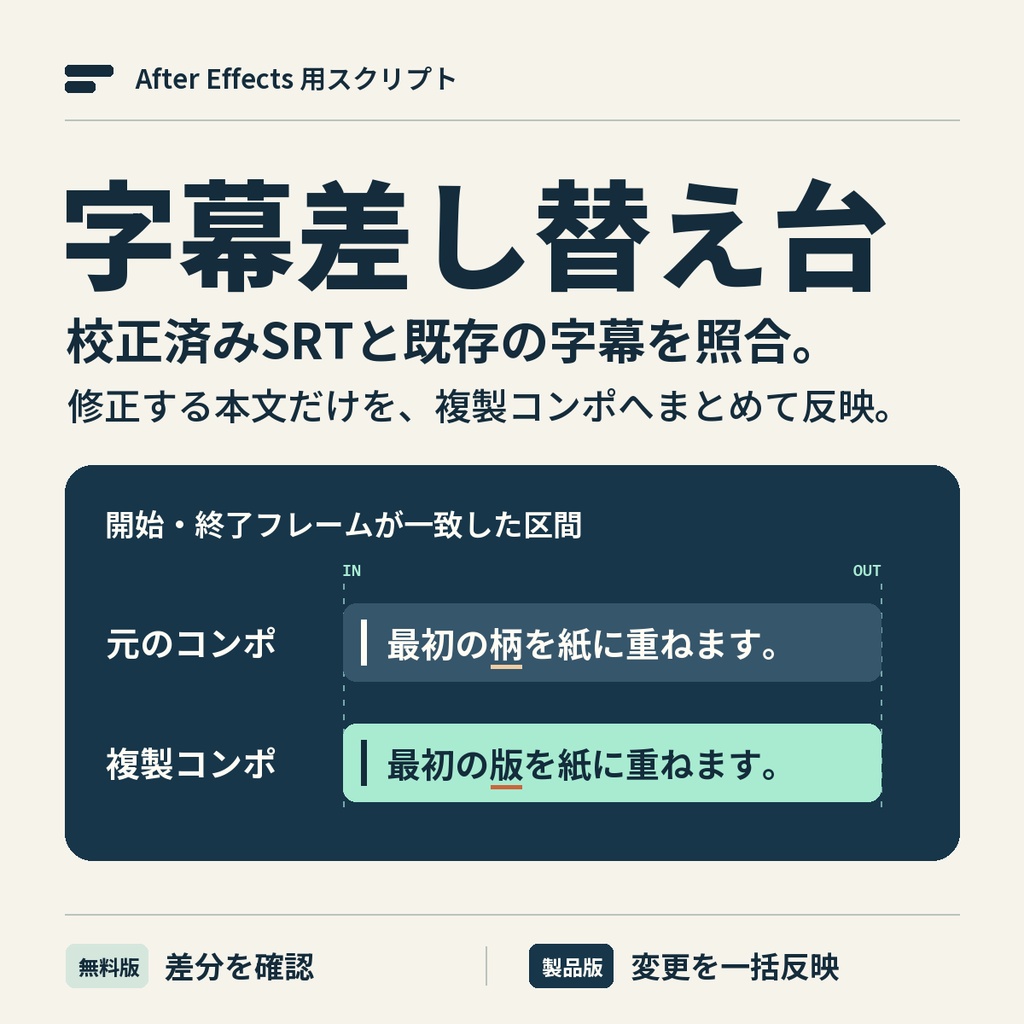
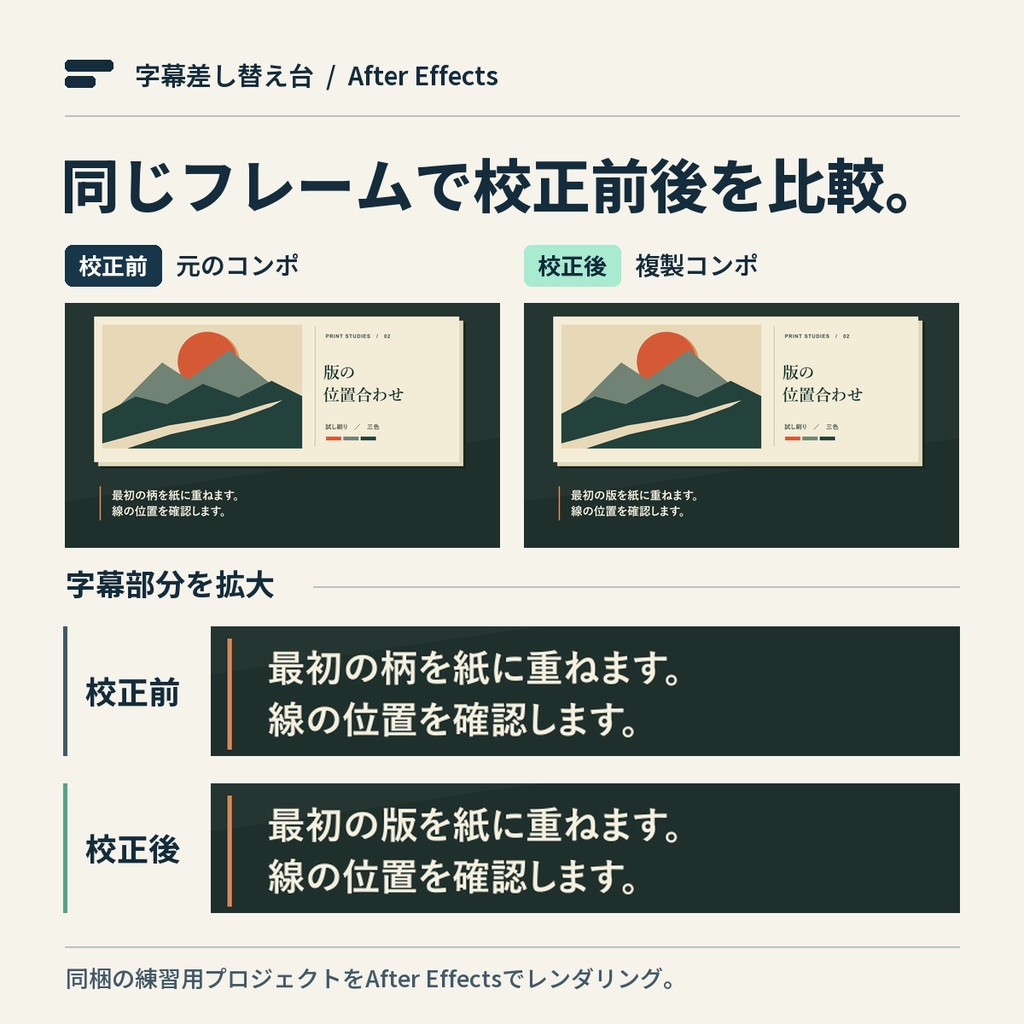
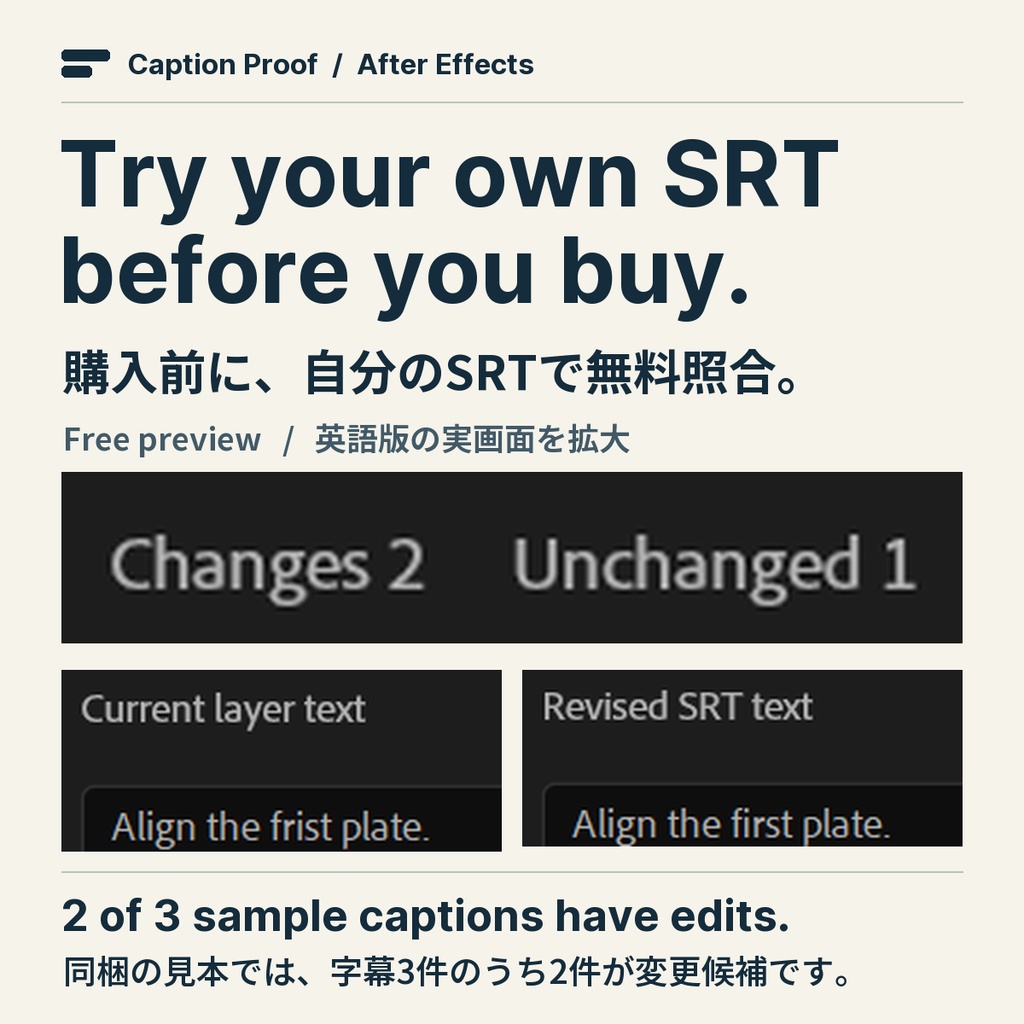
映像の尺が決まり、字幕の修正原稿が届いたら。引き継いだAfter Effects案件でも、字幕がすでに1区間1レイヤーで配置されていれば、そのまま選んで校正済みSRTと無料で照合できます。製品版では修正を複製コンポにまとめて反映します。 Got a corrected SRT after the edit was locked? Select the caption text layers already in your After Effects project and compare them for free. If the timing matches, the full edition applies eligible text changes to a duplicate composition. Both editions include English and Japanese. Tested on Windows 11 with After Effects 26.5.3. Free Preview without a BOOTH sign-in, English guide and sample walkthrough → https://tobimint.pages.dev/captions/en/ ■ 購入前に、ご自身の字幕で試せます 字幕レイヤーを選んで無料照合版を実行し、校正済みのSRTを開きます。一覧の「変更」が製品版で一括反映できる件数です。行を選ぶと修正前と修正後の本文が表示されます。同梱の見本は変更2件・一致1件。「最初の柄を紙に重ねます。」が「最初の版を紙に重ねます。」に変わるのを確認できます。 ■ 製品版で反映する 「複製コンポに反映」を押すと、元のコンポジションを複製し、照合できた字幕の本文を更新します。新しいコンポで長い字幕の折り返しや位置を確認してから、納品に使う版を選べます。元のコンポを参照している親コンポやレンダーキューは手動で切り替えてください。 ■ 対応する字幕と使い方 字幕1区間に均一な書式のテキストレイヤー1枚を使い、SRTの開始・終了がどちらもレイヤーと同じフレームにある場合に照合します。SRTはUTF-8のプレーンテキスト、2 MiBまで。コンポの先頭がSRTの00:00:00,000です。装飾タグや文字参照を含むSRTは、書式を取り除いてから使ってください。区間の重複、ロック、混在書式、ソーステキストの式・キーフレーム、テキストアニメーター、パス上のテキストは一括反映の対象外です。1.0.2では、逆再生(伸縮率−100%)の静的字幕も、表示区間の両端がSRTと一致する場合に照合します。 1.0.2の無料版・製品版は、コンポの先頭表示が0以外の場合、照合前に時刻の基準を確認します。SRTの0秒が対象コンポの先頭に当たる場合だけ「この基準で照合」を選んでください。タイムラインや素材の表示タイムコードをそのまま使ったSRTは、対象コンポの先頭を0秒にして書き出し直します。表示タイムコードは自動換算されません。 ZIPを展開し、Japanese または English フォルダーを開いてください。各言語のJSX、使い方、練習用AEP、校正SRTが入っています。After Effectsで対象レイヤーを選択し、「ファイル」→「スクリプト」→「スクリプトファイルを実行」からJSXを開きます。Windows 11(64ビット)とAfter Effects 26.5.3で動作確認。After Effectsは別途必要です。 すでに製品版を購入した方は、BOOTHの購入履歴またはライブラリから更新版をダウンロードできます。 ログイン不要の無料照合版・日本語の見本と操作手順 → https://tobimint.pages.dev/captions/ ■ English Download Free Preview first and try it with your own captions. Select your text layers, run the included JSX via File → Scripts → Run Script File, then open the corrected SRT. The Changes count tells you how many rows the full edition can update. Select a row to read both versions. In the included English sample, “frist” becomes “first”. Two rows change and one already matches. Full Edition is a one-time purchase of ¥1,980. After reviewing the changes, apply them to a duplicate composition. Check line wrapping there before using the revised comp in a parent comp or the render queue. Your original remains available. Use a plain UTF-8 SRT up to 2 MiB. Each cue needs one uniformly styled text layer with matching start and end frames. SRT time zero is the start of the composition. Remove formatting tags and character entities before loading. Duplicate timings, locked layers, mixed styles, Source Text expressions or keyframes, text animators and text on a path are excluded from batch updates. In 1.0.2, a static text layer at −100% stretch can also match when both ends of its visible interval align with the SRT cue. The tool keeps the existing timing. In both editions of 1.0.2, a nonzero timeline start triggers a check before comparison. Choose “Compare using this clock” only if SRT zero is the start of this comp. If the SRT follows displayed timeline or footage timecode, re-export it with the target comp’s start as zero. Displayed timecode is not converted automatically. To download the paid ZIP, sign in to BOOTH with your pixiv account and open your purchase history or library after payment. Extract the ZIP and open English for the script, guide, sample After Effects project and corrected SRT. After Effects is required separately. Captions are processed on your computer. If you already own the full edition, download the update from your BOOTH purchase history or library. ■ 利用条件 / License 無料照合版・製品版とも、取得したご本人または法人が自社制作や受託案件に利用でき、完成した映像を商用公開・納品できます。スクリプトと同梱素材自体の再配布・再販売は禁止です。 Individuals and companies may use either edition for their own productions and client work, including commercial release or delivery of finished videos. Do not redistribute or resell the script or sample files.